New ContextStream Desktop v0.2 is Now Live — Pushing context engineering forward.
We've nailed cross-session persistence for AI coding tools. Now we're evolving ContextStream into an unmatched platform for context engineering.
We've nailed cross-session persistence for AI coding tools. Now we're evolving ContextStream into an unmatched platform for context engineering.
The new v0.2 desktop app shows exactly why.
It gives you a fast, native control center right in your local dev environment:
ContextStream Code CLI (beta): built-in context-aware AI terminal that deeply understands your workspace and codebase. Get seamless help in a side panel or fullscreen.
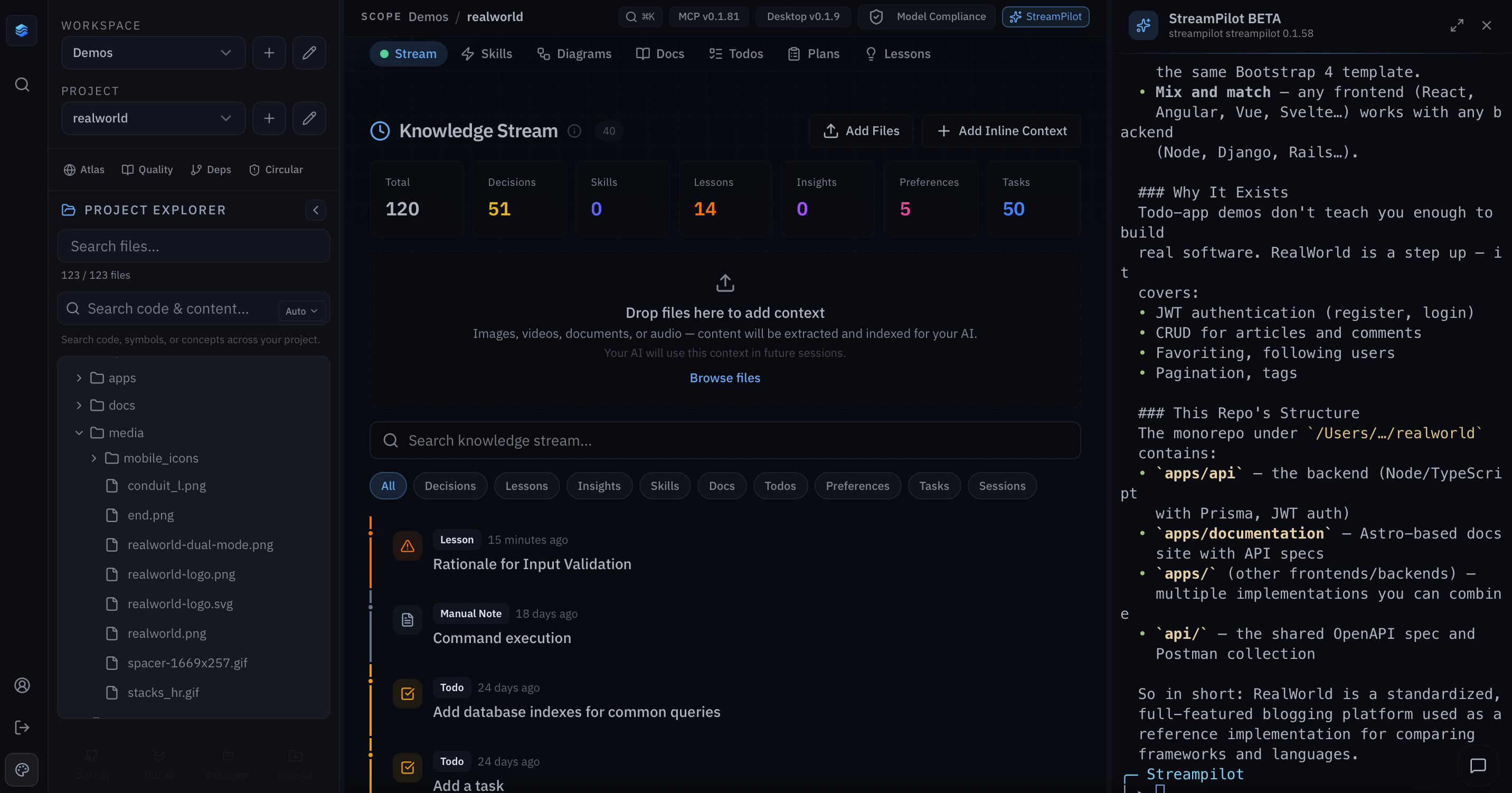
Semantic Atlas: interactive graph of your entire codebase. See files as color-coded nodes with edges showing semantic connections. Zoom, pan, and toggle 2D/3D to grasp how everything fits together at a glance.
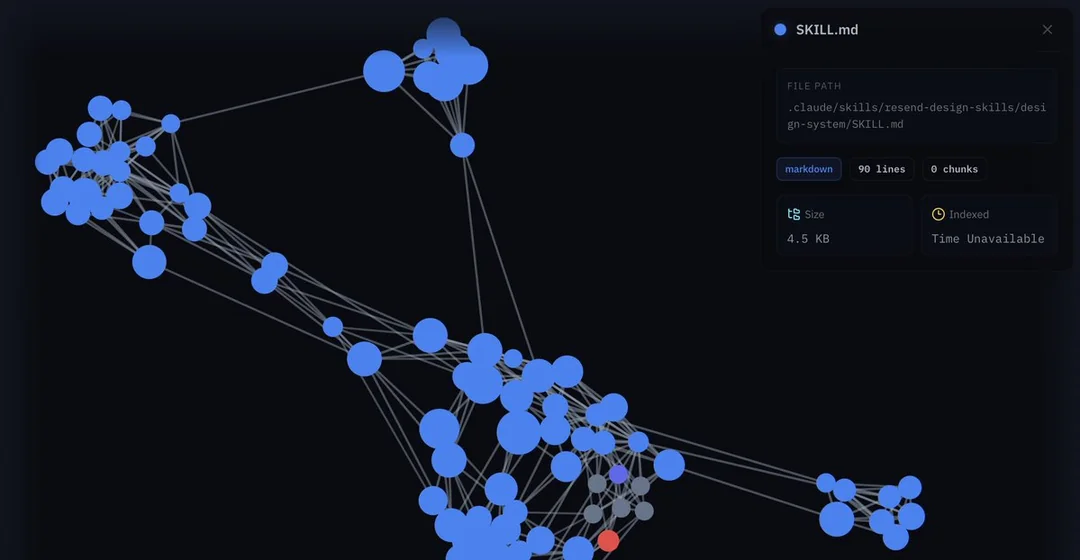
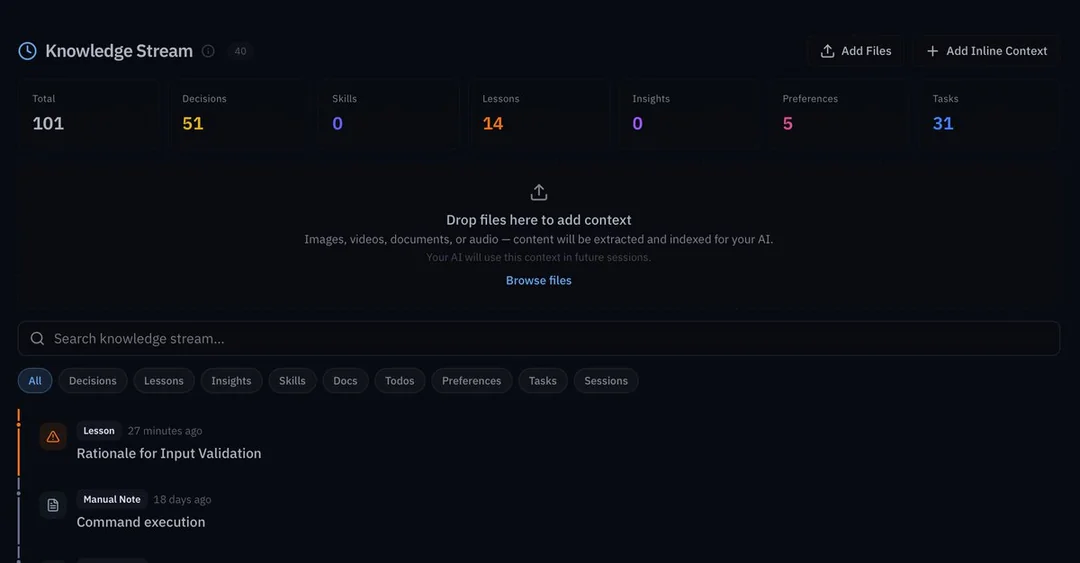
Knowledge Stream: permanent memory timeline. Every decision and lesson stays saved across sessions. Upload images, videos, docs, or audio. They’re auto-extracted and indexed so your AI can reliably reference them later.
Full editors for Docs, Skills, Plans and Lessons: clean split-panel layouts with inline editing, search and filters. Makes it easy to curate and refine the context you feed your agents.
Semantic code search built into the project explorer: find code by meaning, not just keywords. Surface exactly what you need fast.
Real-time file explorer: updates live as files change on disk. Always accurate navigation and visibility into your current project.
Smart caching, full pagination across views, easy MCP server management, and 10+ themes (Harbor Dark default). Smooth, responsive experience with nothing getting in your way.
No more broken context after edits or deletes. Just AI agents that stay perfectly grounded in your real, evolving project.
This is context engineering done right.
Related Reads
May 21, 2026
Insights are how your AI stops missing the patterns that matter
Some of the most valuable project knowledge isn't a decision yet but rather a pattern someone noticed, a hunch about how the work keeps wanting to grow, an observation that's too soft to be a rule but too useful to lose. Most of that knowledge dies in chat, leaving every new session to rediscover it from scratch. Insights are how ContextStream preserves that middle layer of understanding so your team and your AI agents can keep getting smarter instead of starting cold every time.
May 15, 2026
Preferences in ContextStream: The memory event that tells the agent what you prefer.
Most AI friction isn't about what the agent builds, it's about how. Tone, level of detail, planning style: the small corrections you give every session and lose every session. Preferences are how that guidance starts traveling with you instead of resetting every time.
Ready to build with persistent context?
ContextStream keeps your team decisions, code intelligence, and memory connected from first prompt to production.